
BadgerAdmin
Quotes, crews, clients, invoices and cash flow in one place, built around how your business runs.
The demo runs in your browser. Nothing is saved or sent.
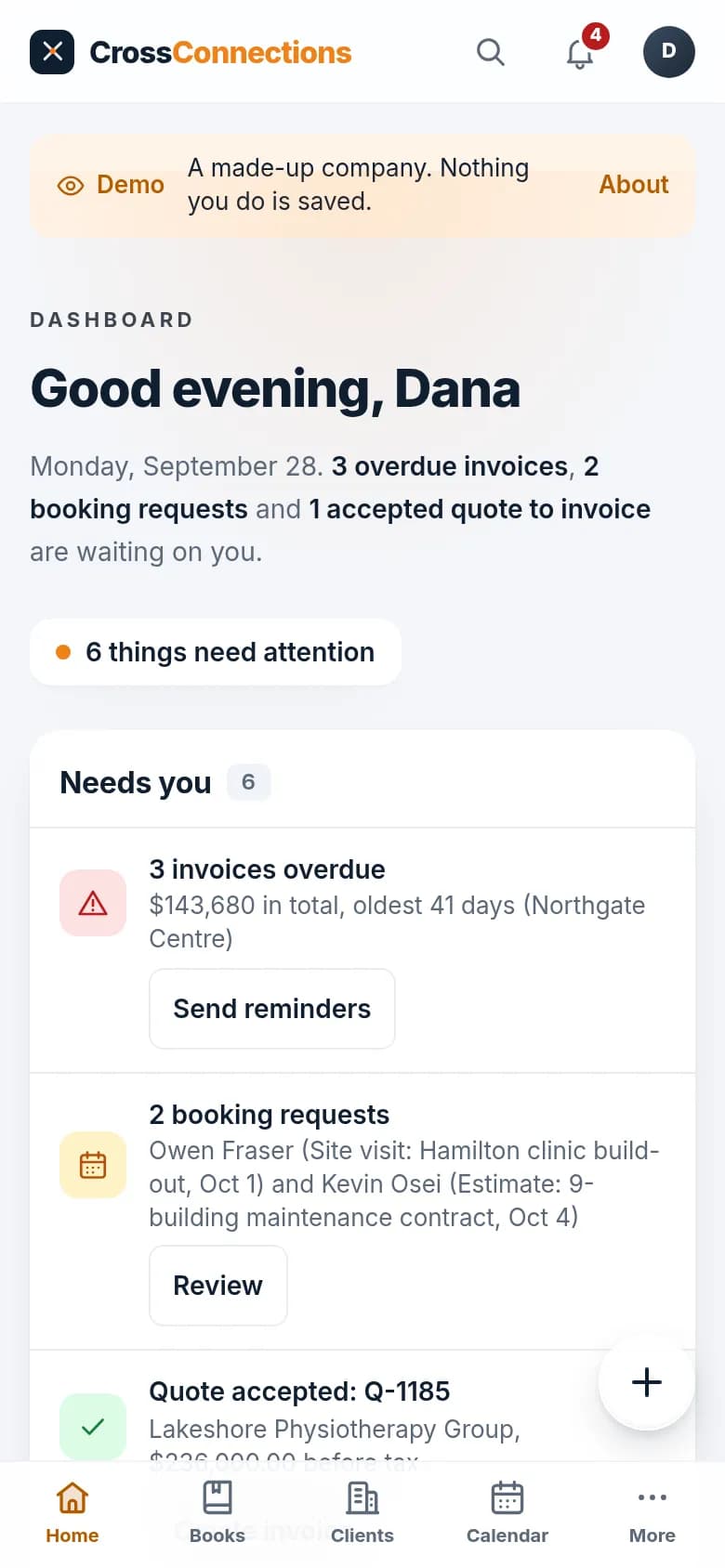
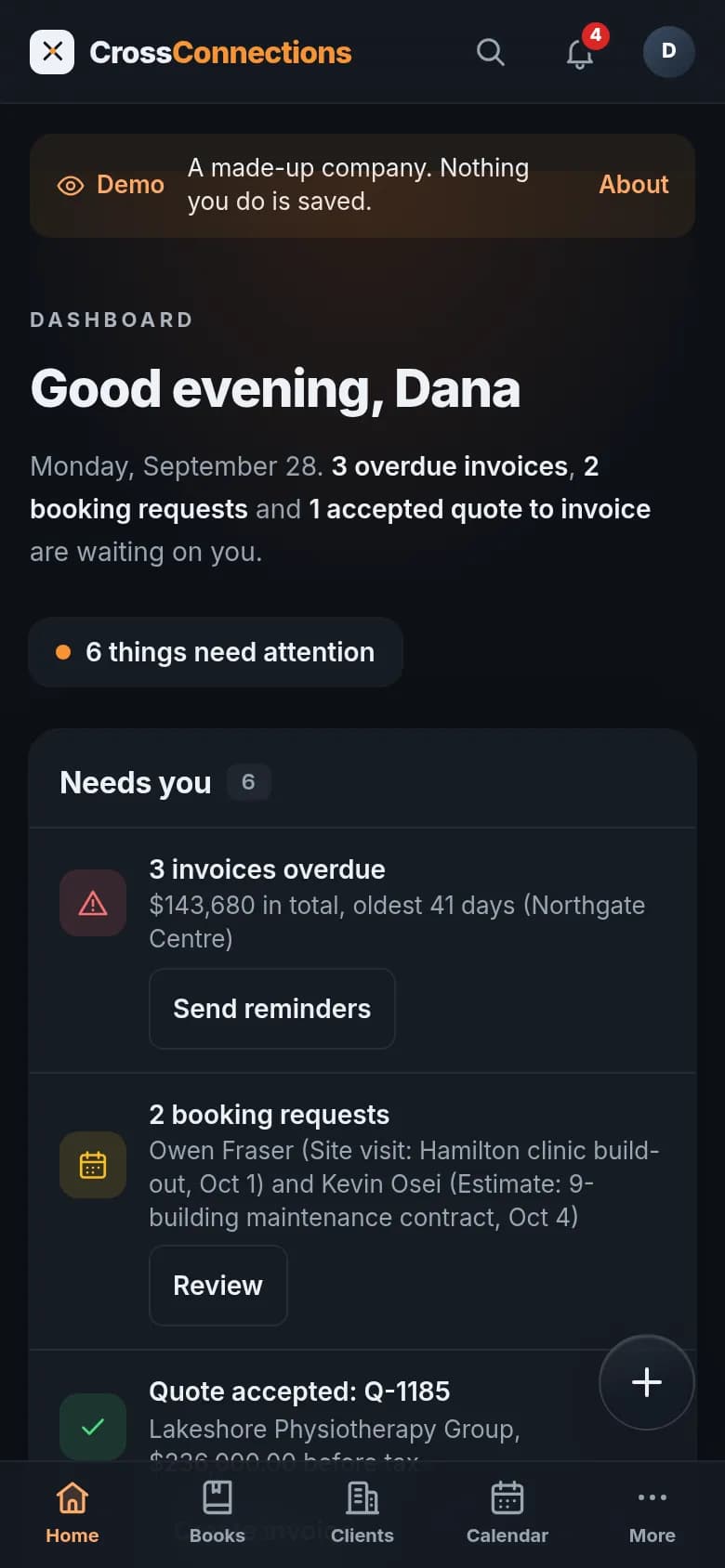
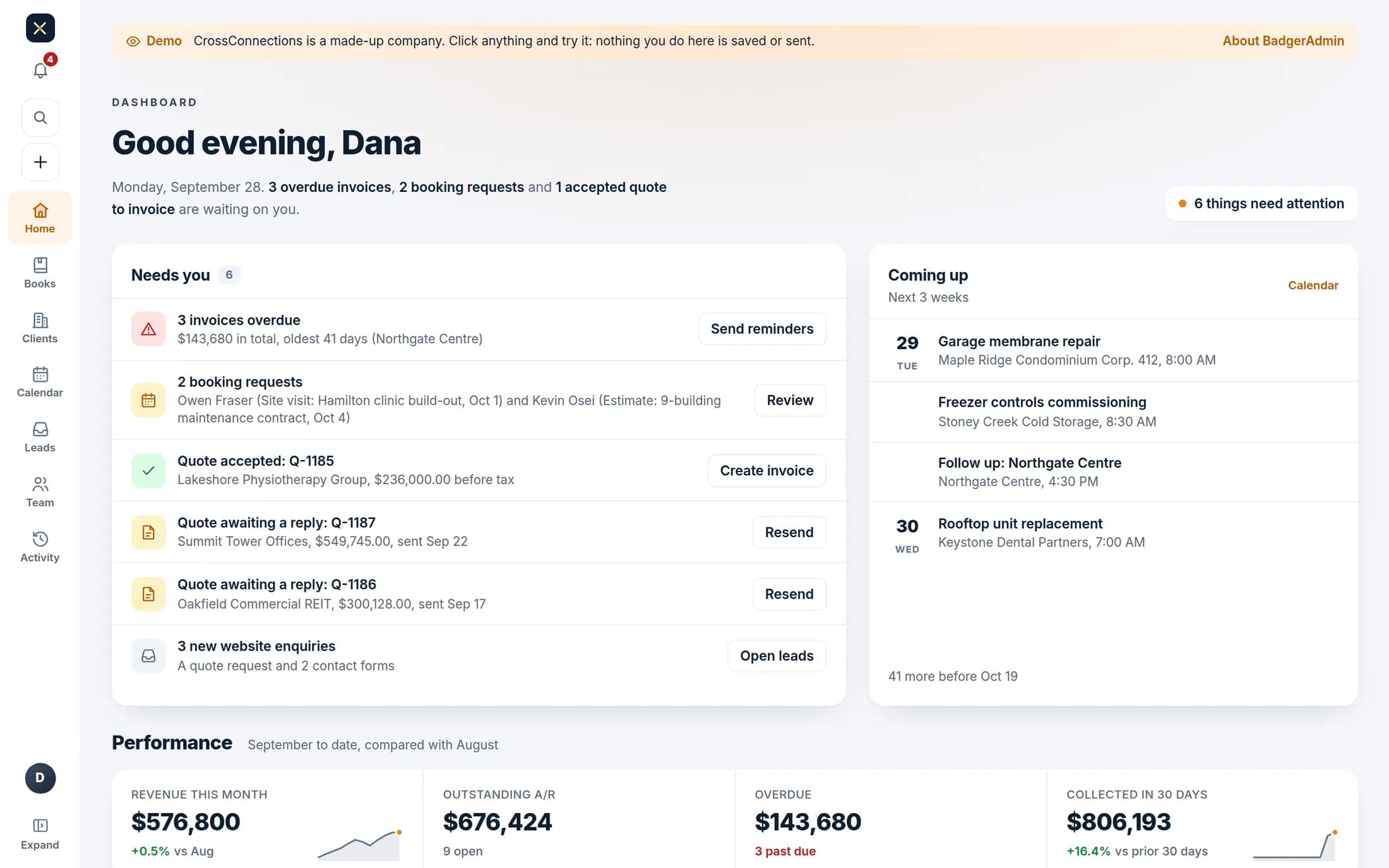
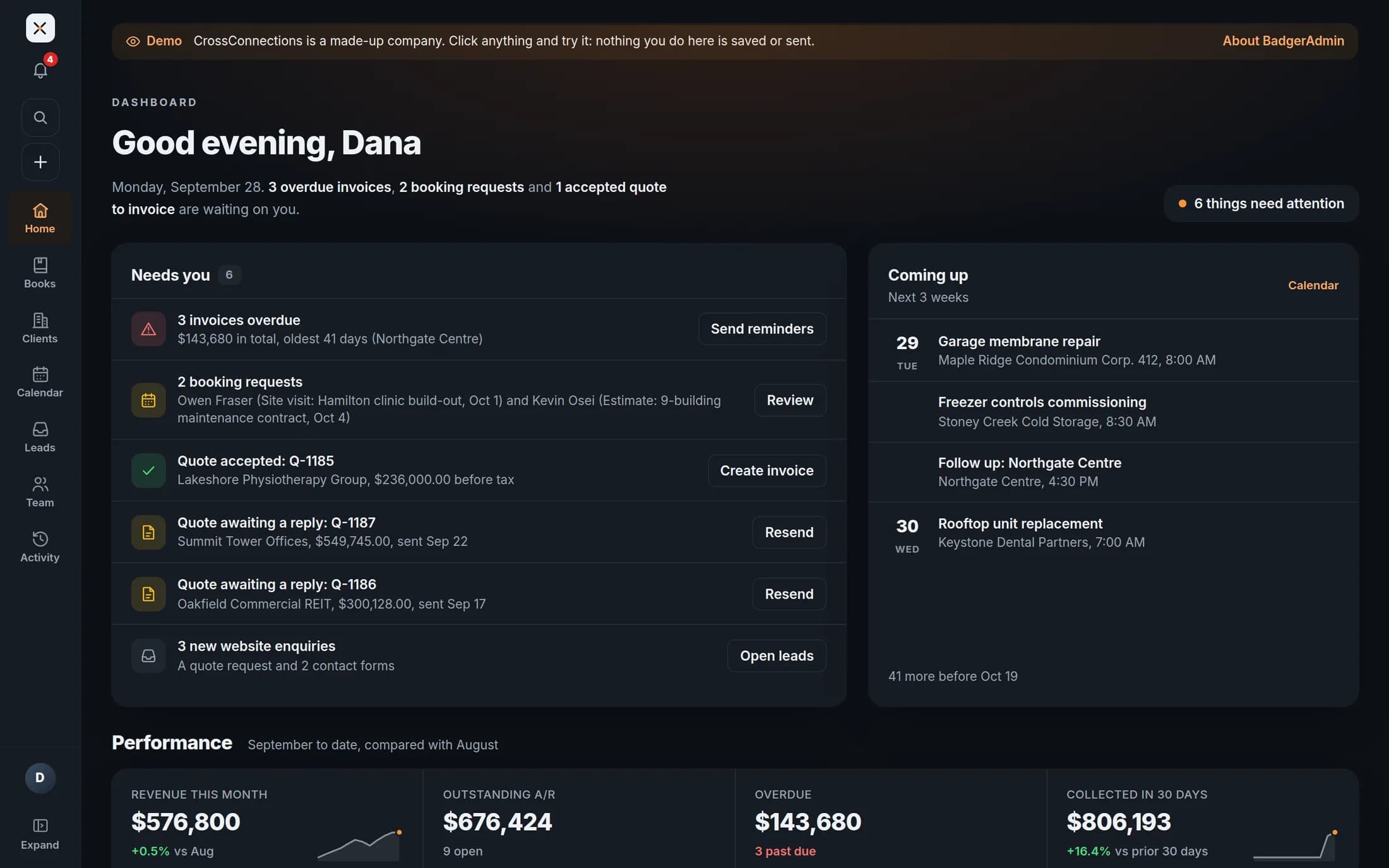
Sample data for CrossConnections, a made-up contractor with 26 staff and about $5.8M a year in billing.
Receipt reader
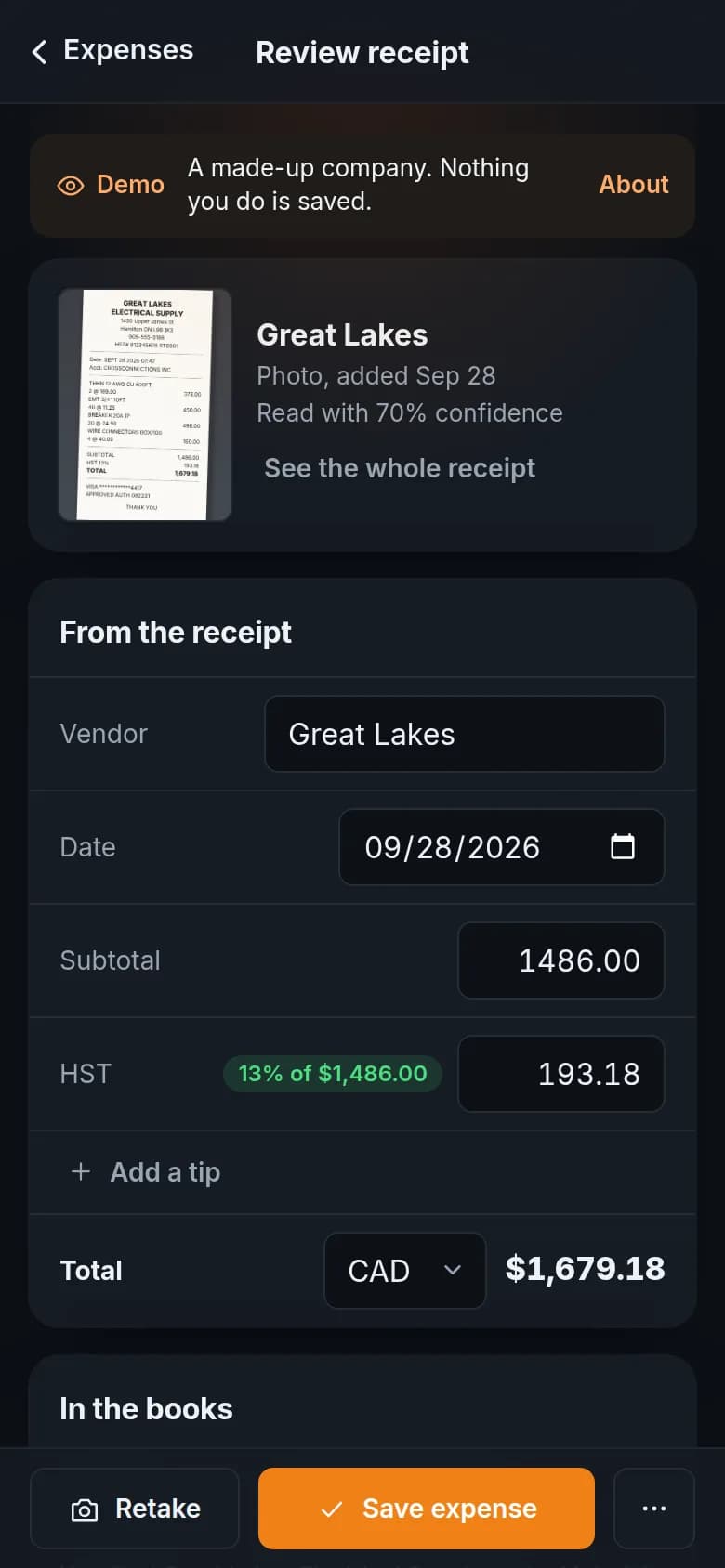
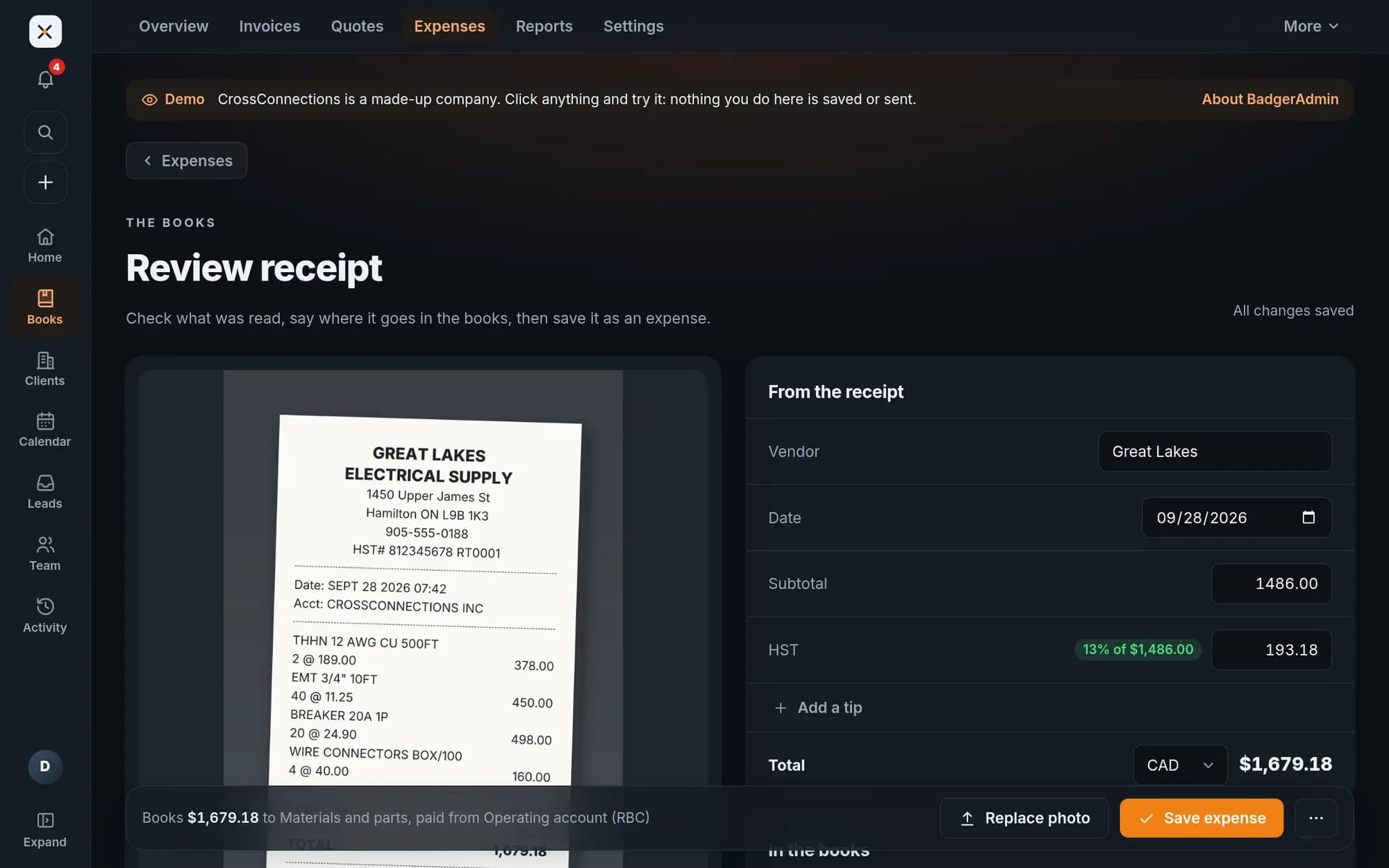
Snap a receipt. The expense fills itself in.
Take a photo or drop in a PDF. BadgerAdmin reads it, checks the math and suggests where it goes in the books. You look it over and save.
- 1 to 2 s
- to read a phone photo, in our tests
- 0
- outside services read them
- You approve
- before anything reaches the books
Read on your server, not someone else’s
Many receipt apps send each photo to an outside service to be read. We built our reader to run on your own BadgerAdmin server, with no AI service in between, so your receipts stay with your books.
What it reads
- Vendor
- Date
- Subtotal
- HST
- Tip
- Total
- Card
- Supplier HST number
What it checks
- Subtotal plus tax equals the total
- The tax rate looks right
- A tip is split out, with no HST on it
- A date that could be day or month first is flagged
The office, in one place
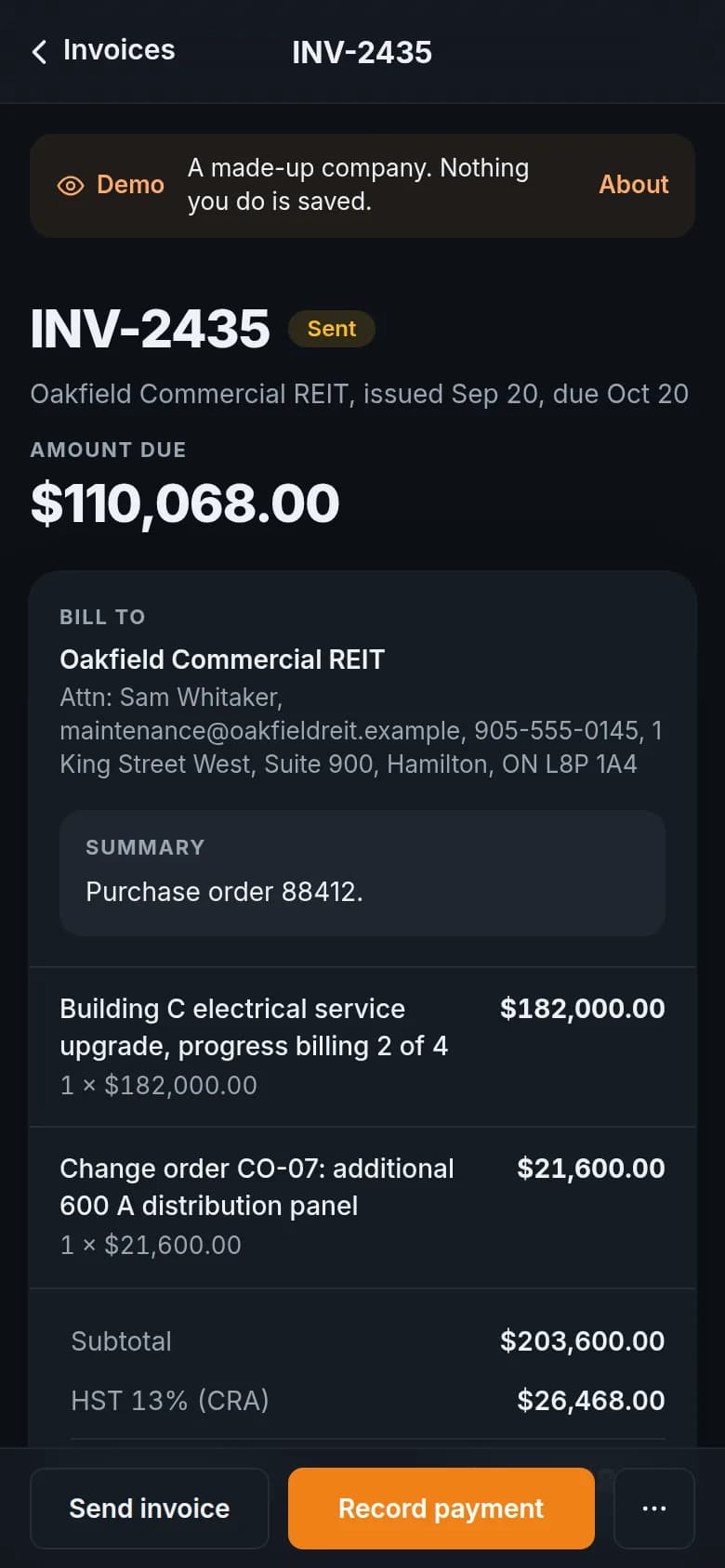
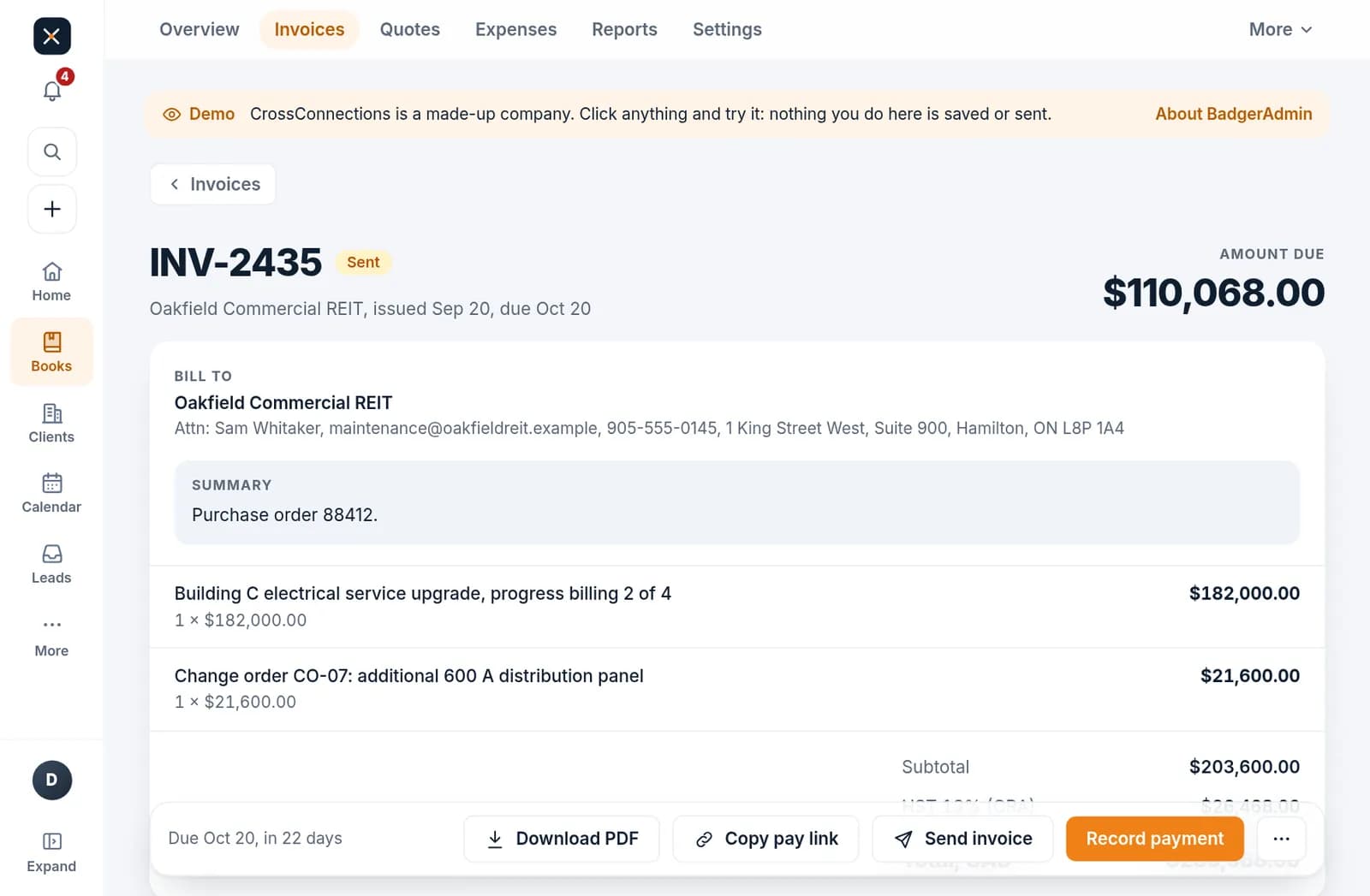
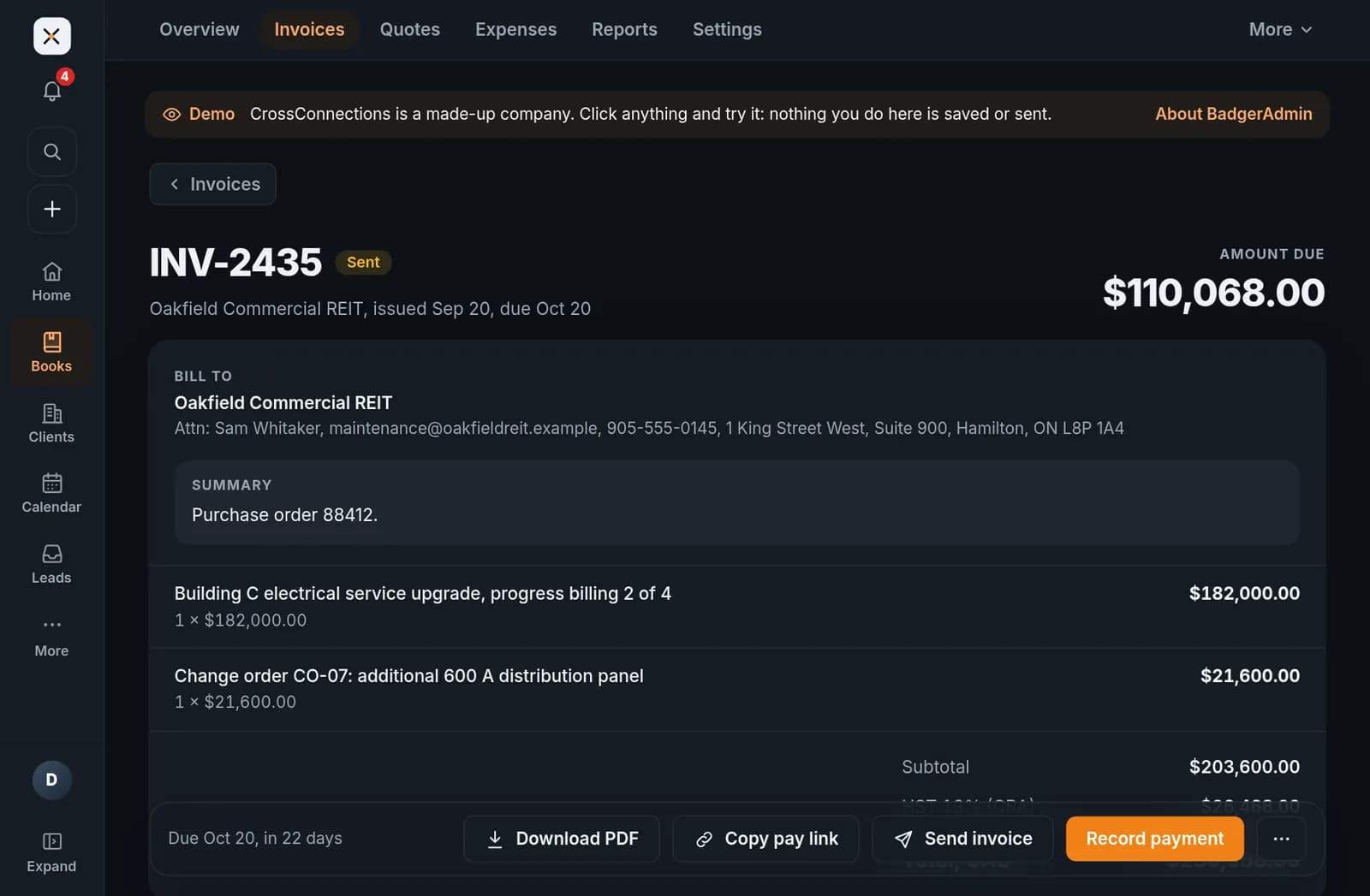
Bill big jobs in stages
Draws, change orders and purchase orders on one invoice. HST on every line, and reminders that go out on their own.
Open this invoice in the demo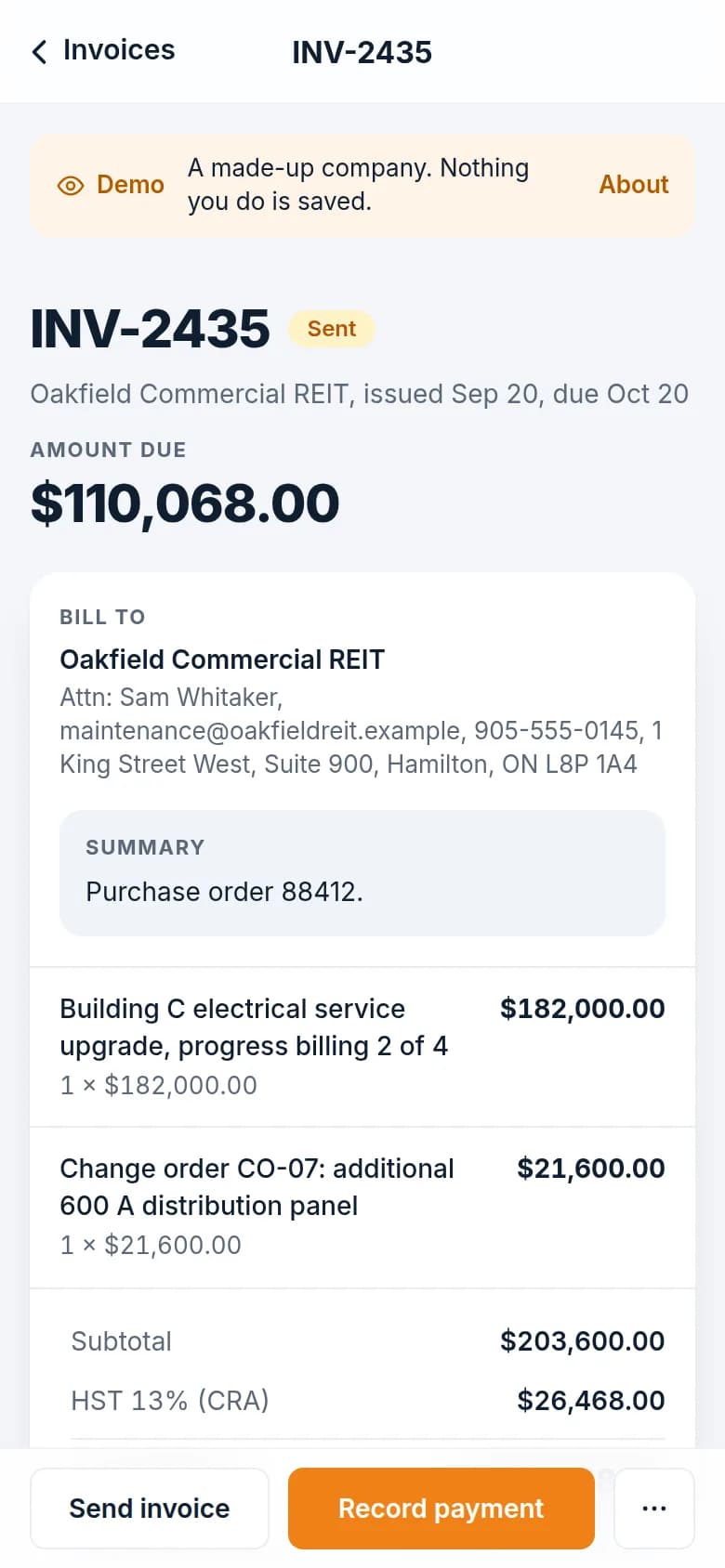
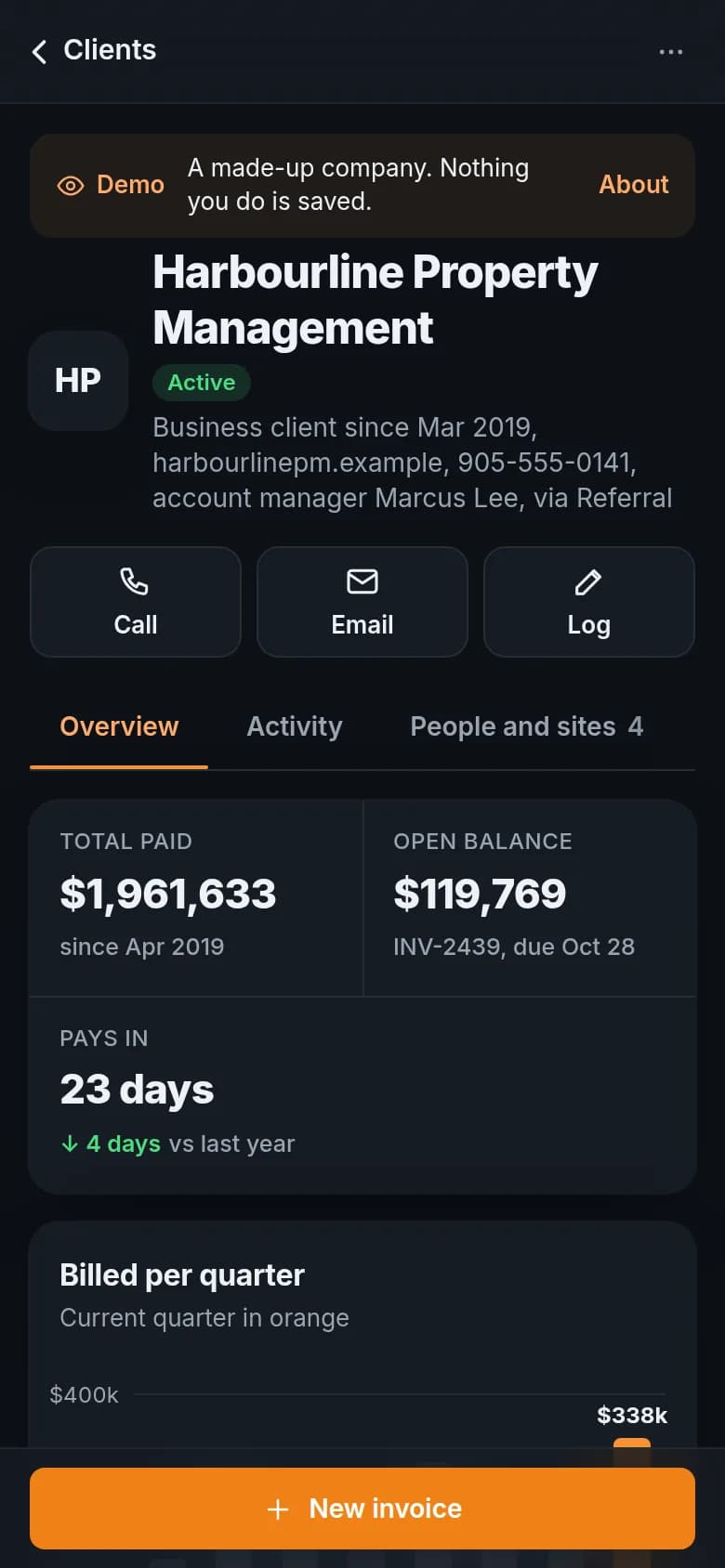
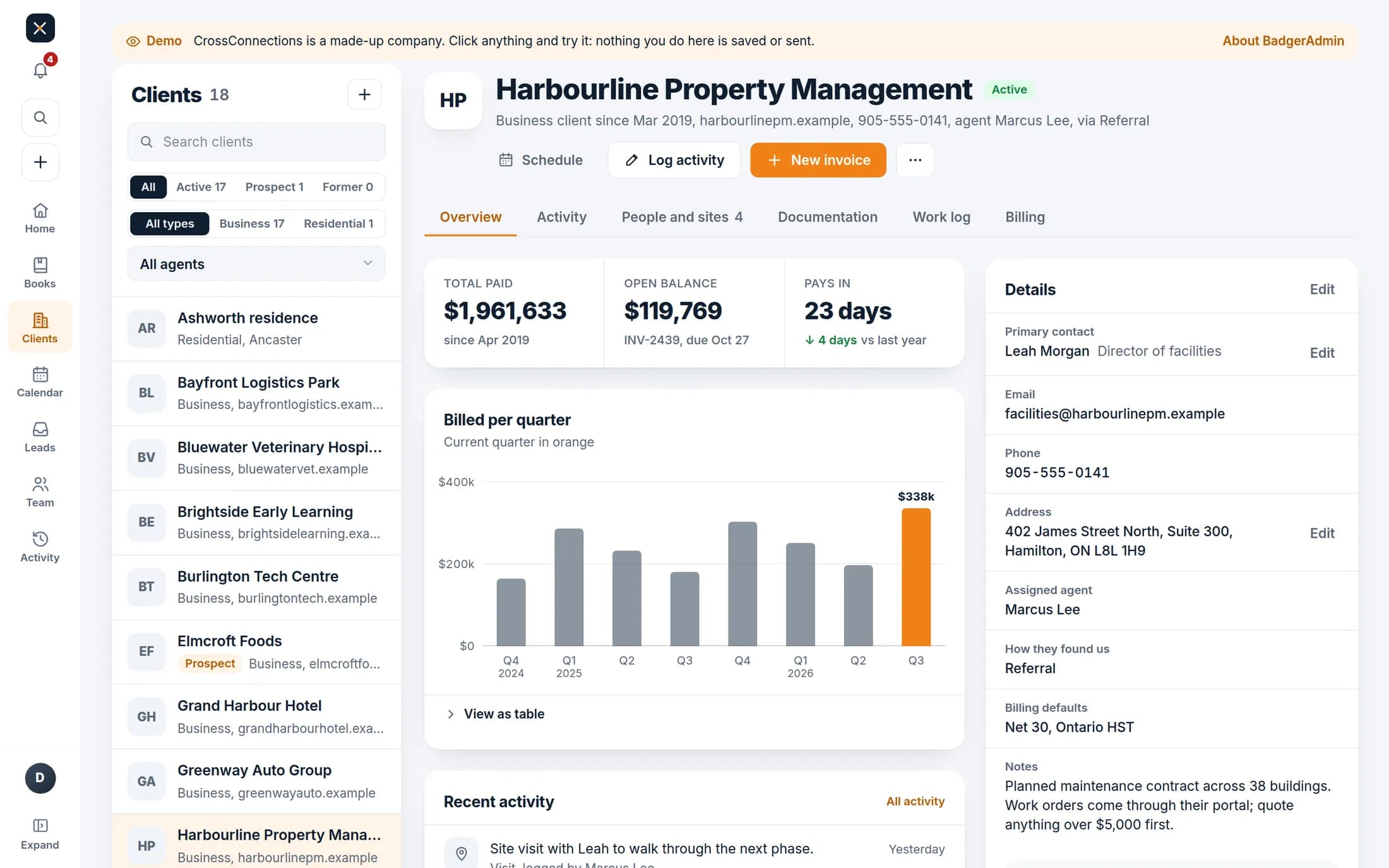
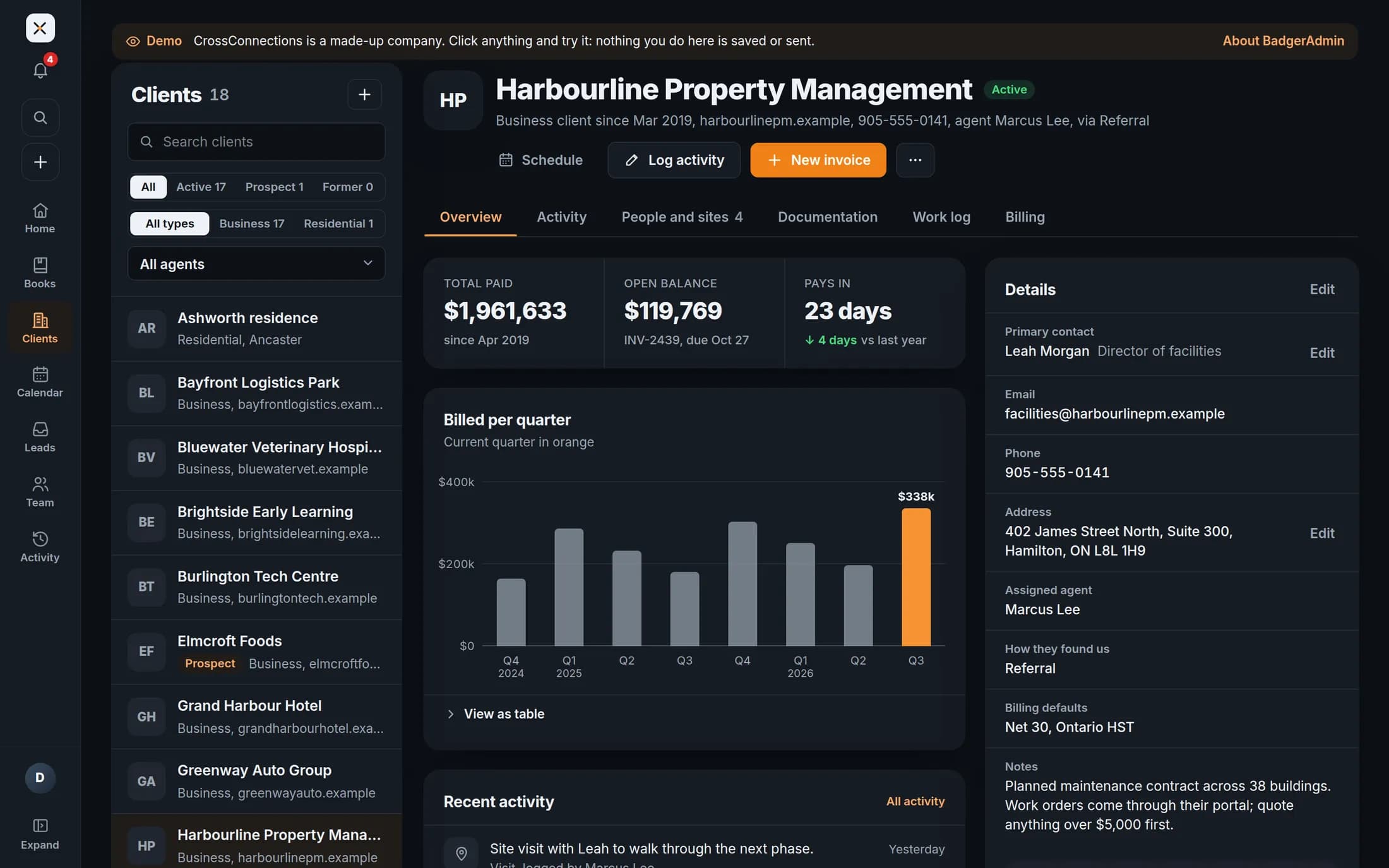
Everything about a client on one page
What they have paid and owe, their sites and contacts, the work log and what is coming up.
Open this client in the demo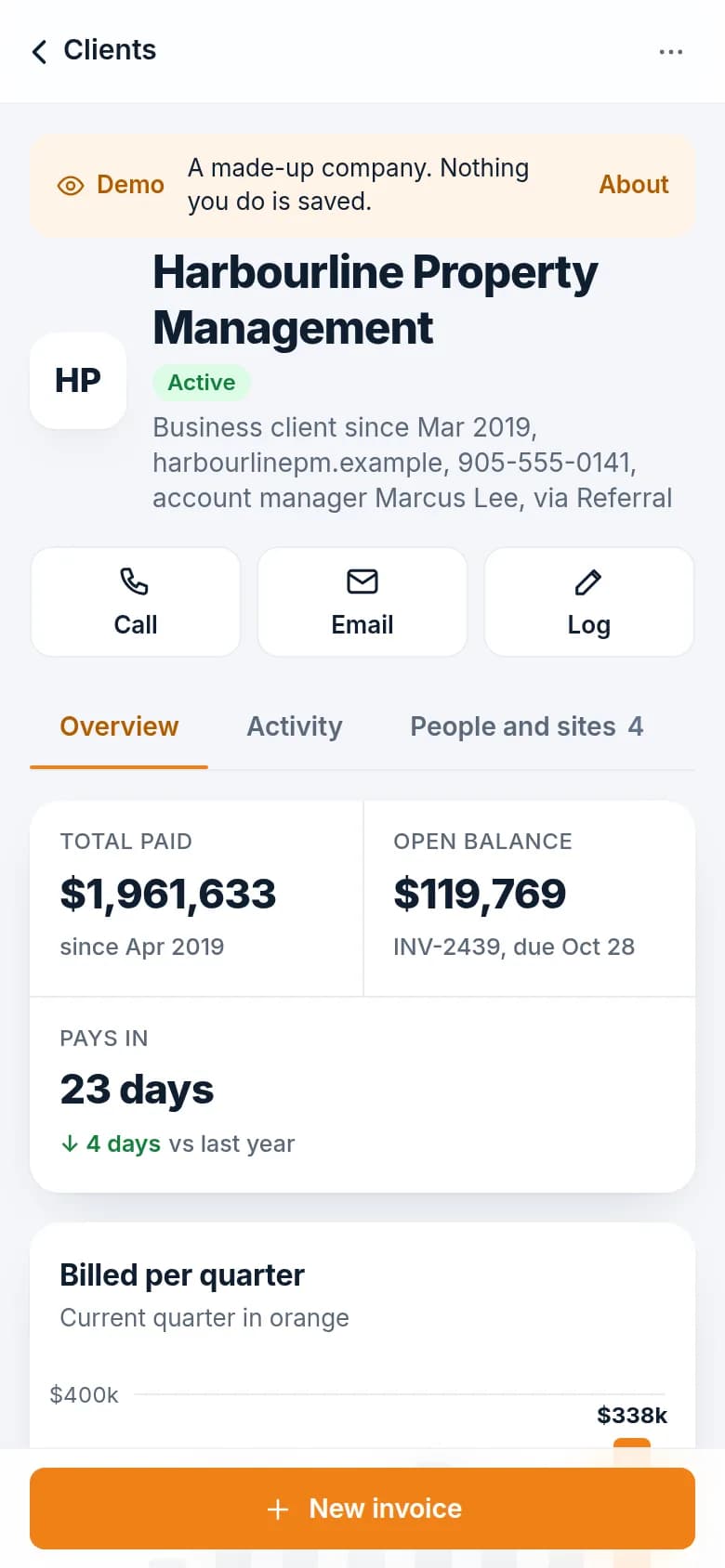
Also in the demo
Built by an IT and security company
Your client list and your money live here, so it is locked down, backed up and watched.
Secure sign-in
Passkeys and two-factor, with the books behind a second check.
Every change on record
Who did what and when, for your team and your accountant.
Backed up and watched
Hosted and kept up to date by the people who built it.
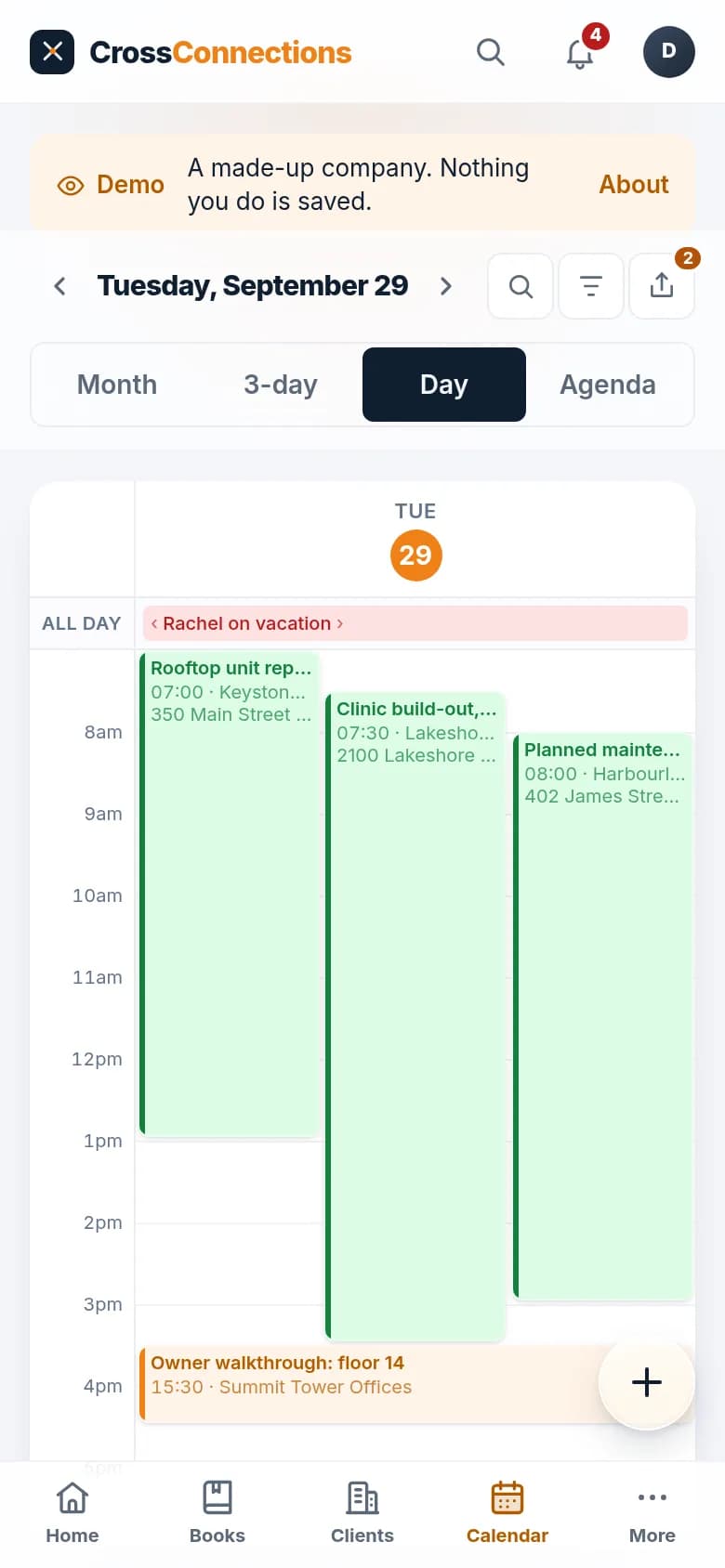
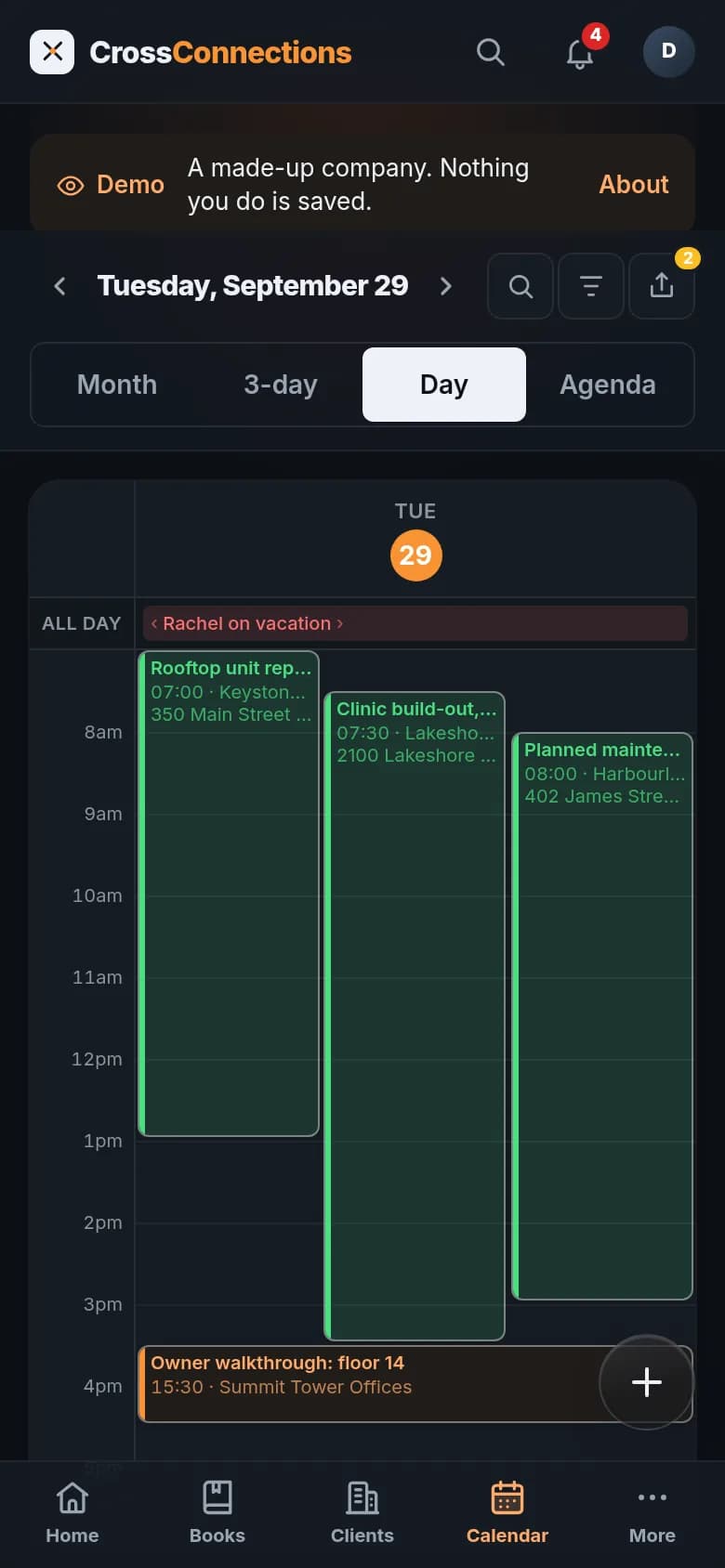
Works on any phone, installs like an app, and comes in light and dark.
Made for your business, not a template
- 01
Discovery
We learn how jobs, quotes and money move through your business today.
- 02
Design
You click through your screens before we build them.
- 03
Build
We build it and move your records over from spreadsheets or old software.
- 04
Launch and care
We train your team, then host and look after it if you like.
Every build is quoted in writing before any work starts.
Questions
Is the demo what I would get?
No. The demo is a sample build for a company we made up. Yours is designed around your work, your data and your brand, so it will look and work differently.
How much does it cost?
It depends on what it needs to do and connect to. After a discovery call we send a written quote, so you know the cost before any work starts.
Can it connect to software we already use?
Often, yes. Accounting, payment, email and calendar tools usually offer a way in. We check what yours allow during discovery, before anything is promised.
Who is behind BadgerAdmin?
CyberBadger, a managed IT and cybersecurity company in Hamilton and Burlington. We run our own business on a custom admin we built.
Want to see what yours could look like?
Book a discovery call and we'll show you what a BadgerAdmin built for you would include.